Live conversionLocal
HEIC
TO
JPG
100% local • No upload • No registration
A clean browser workbench for those annoying little file jobs: HEIC to JPG, Excel to CSV, DOCX to Markdown, video to WAV, and more. Drop a file, get the version you need, keep moving.
Check camera fields, GPS, PDF info strings, media probes, and document tags before you share a file. It runs in the browser, so the original stays with you.
Drop any file here or click to browse
Parsed in your browser - nothing is uploaded.
It is deliberately small: no dashboard to learn, no account to create, no waiting on uploads.
A voice memo becomes usable
Grab a WAV from a video, trim a rough cut, or make an old audio file easier to use.
The client sent the wrong file
Turn camera photos and web assets into the format the next person actually asked for.
One less desktop app
Re-encode videos, export still frames, and clean up media without hunting for a utility.
Pick the output, adjust the file when it matters, and keep everything on your own device.
Decode MP3, FLAC, AAC, OGG, and more with the Web Audio API, then export uncompressed WAV with mono or stereo channels.
HEIC, TIFF, AVIF, PCX, and common web formats - resize, quality, and encode to PNG, JPG, WebP, AVIF, ICO, BMP, and more.
FFmpeg.wasm runs in your browser, so HEVC, MOV, MKV, AVI and other tricky inputs play and re-encode cleanly into MP4, MOV, MKV, AVI, WebM, OGV, GIF, plus stills and a WAV soundtrack.
Swap CSV, TSV, Excel, and JSON tables in the browser. Export DOCX to clean HTML or Markdown with the built-in DOCX engine.
Turn reflowable EPUB chapters into a paginated PDF without uploading your book. Images and linked styles are resolved inside the browser.
Remove backgrounds from portraits, products, and complex subjects without leaving the browser.
Real-ESRGAN x4plus runs in your browser with WebGPU - same model family as professional upscalers, no upload.
Everything runs in your browser. Your files never leave your device.
No upload step and no account wall - typical images and documents finish in seconds on a normal laptop.
Audio, images, video, Office documents, and spreadsheets, all processed locally in your browser. Open the converter for the exact export options.
Short, practical guides on image formats, document handoffs, and privacy-safe conversion workflows.
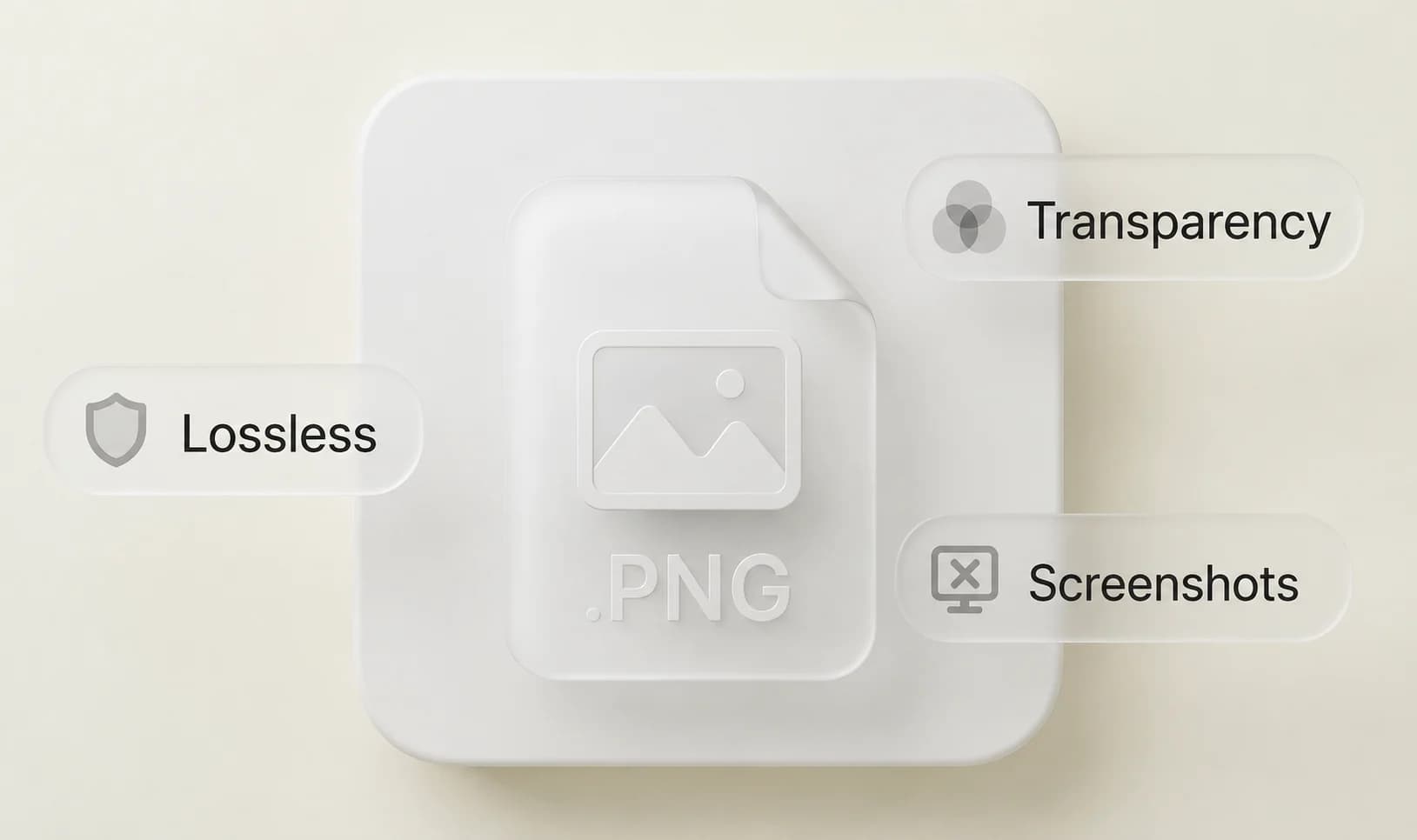
Learn when PNG is the right choice, when it is overkill, and how to avoid the most common quality mistakes in real workflows.
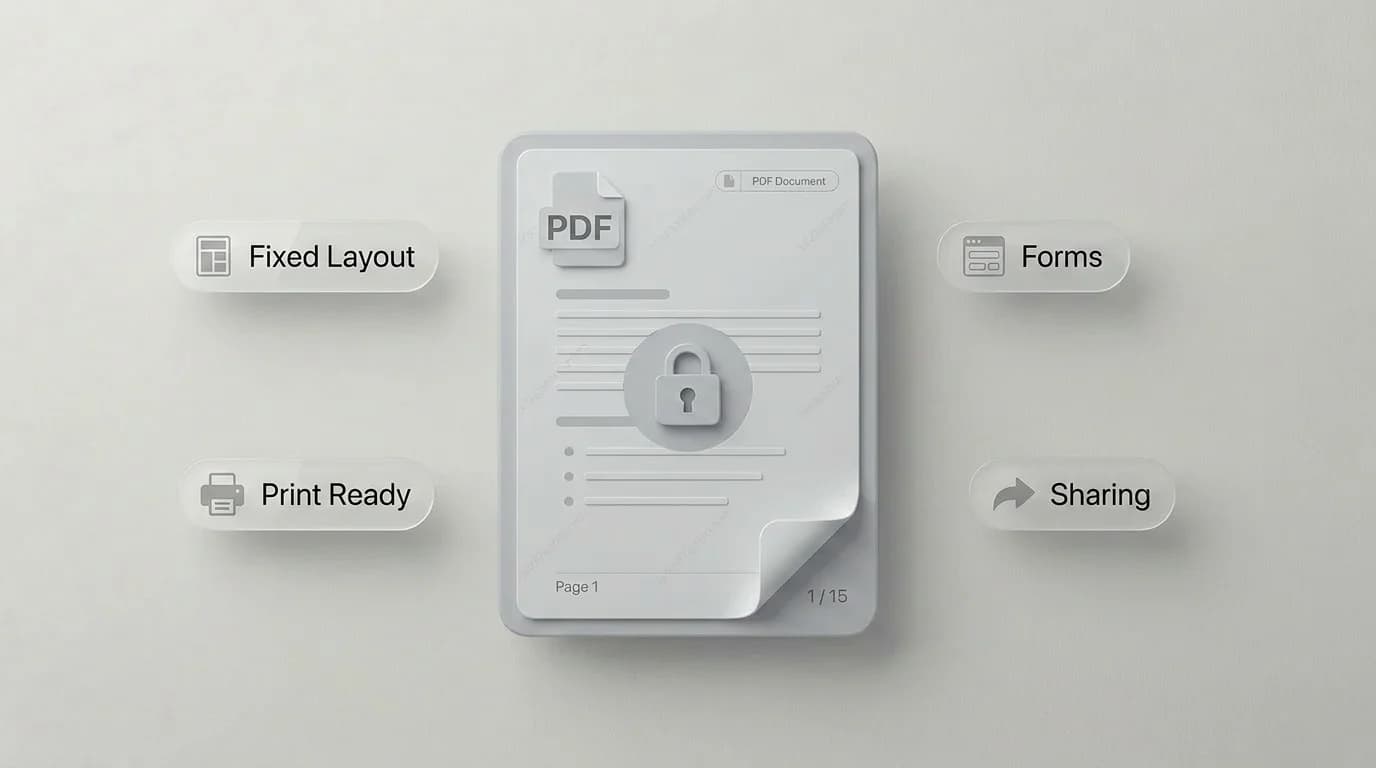
A practical guide to when PDFs protect layout, where they get in your way, and which conversions fix common document handoff issues.
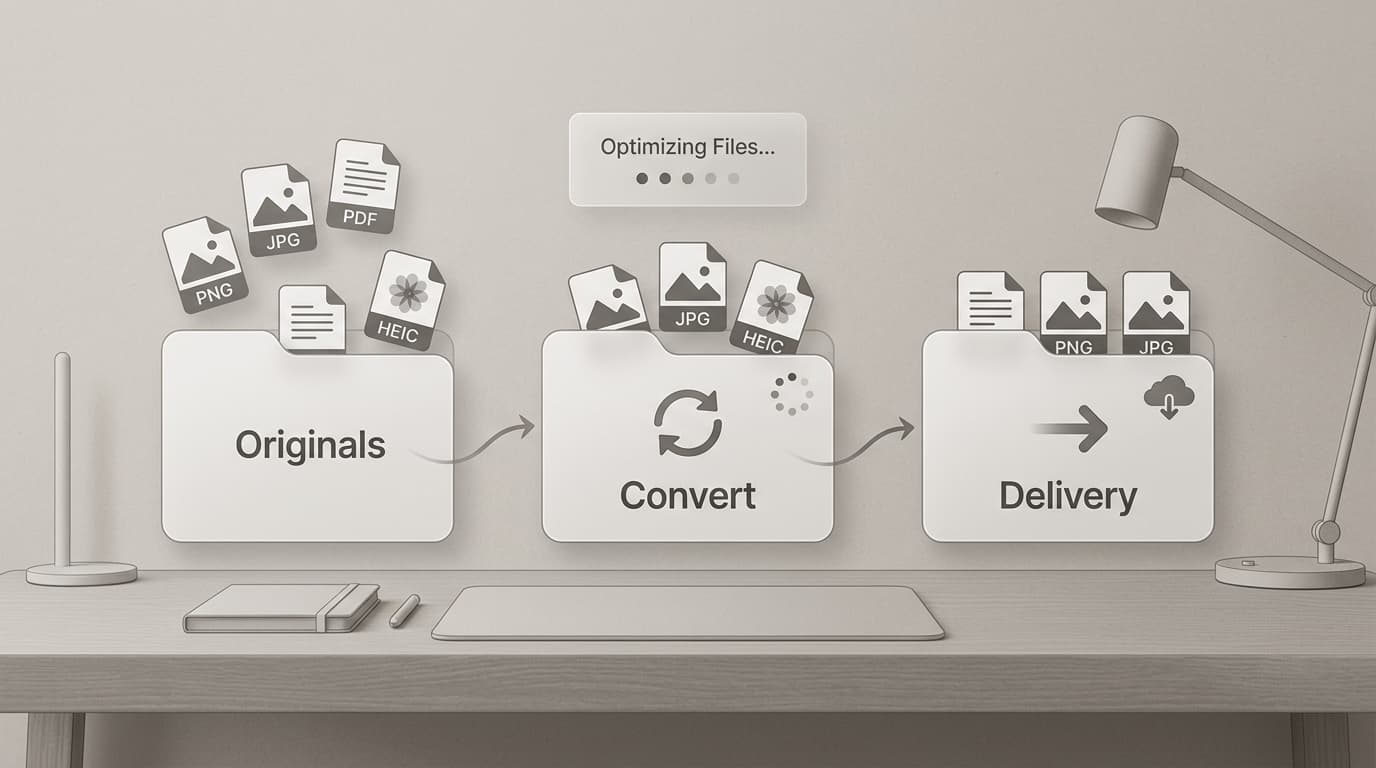
A privacy-first workflow for preparing sensitive client files locally, including batch photo conversion and delivery checklists.
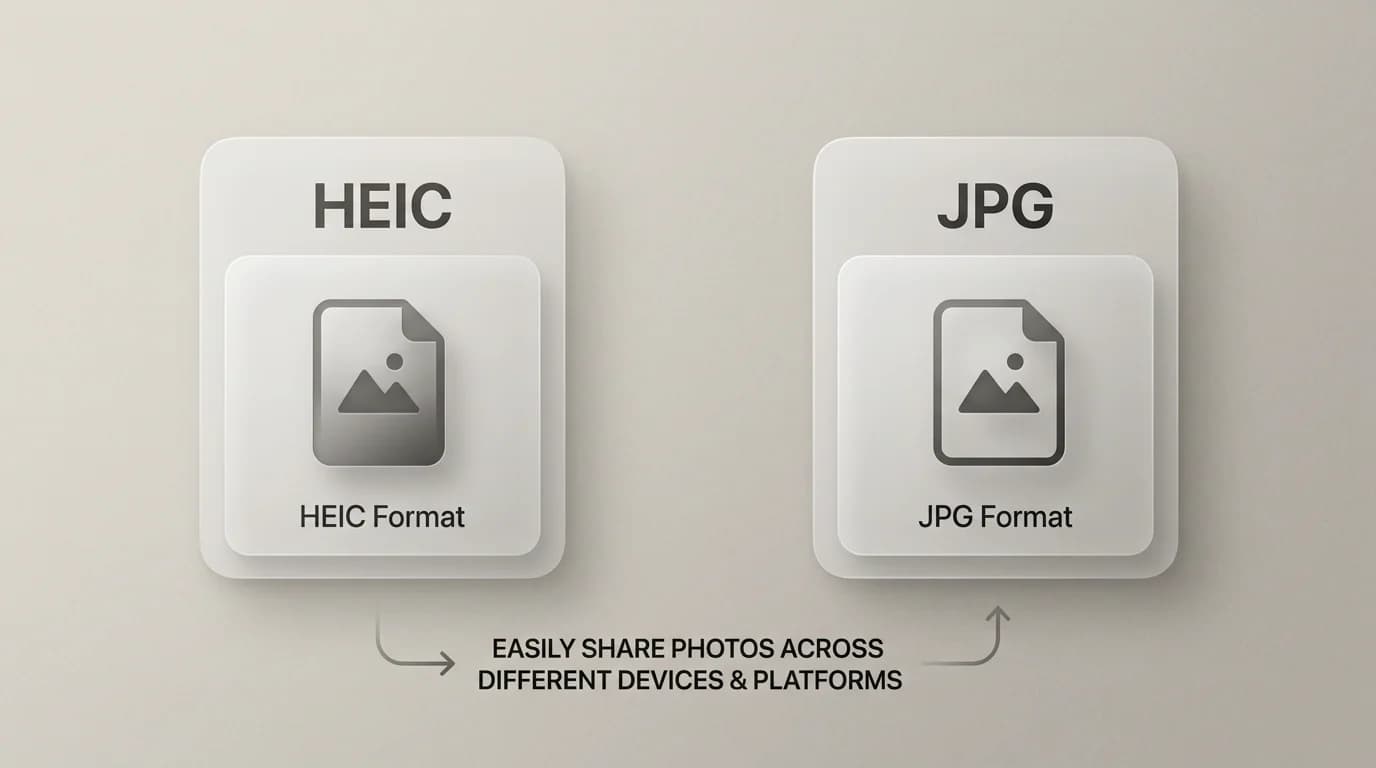
If iPhone photos keep breaking on client systems, this guide shows when to keep HEIC and when to send JPG copies.
Drag in one file or a small batch. SwiftSave handles the format change on your device and keeps the original private.
No credit card · No install · No sign-up