What Is an SVG File? Vector Graphics Explained for Beginners (2026)
Merlin explains SVG paths, when vectors beat PNG or JPG, web icon workflows, and how raster converters still fit your stack.

Merlin writes SwiftSave's image format guides and has spent 8+ years working with web image workflows. He tests conversion flows with screenshots, logos, and phone photos, then documents practical tradeoffs: what stays sharp, what gets smaller, and what breaks in real app handoffs. Contact: [email protected].
Images in this post are generated with AI.
If you have ever zoomed into a logo and watched it turn into fuzzy soup, you were probably looking at a raster image. SVG is the opposite kind of problem. It stores shapes, paths, and text as math instead of a fixed grid of pixels. That sounds abstract until you need an icon that looks sharp on a cheap phone and a giant desktop monitor without exporting six sizes.
I am Merlin, and I spend a lot of time on files that refuse to cooperate with the next app in the chain. SwiftSave does fast, free in-browser conversion for images, documents, video, and audio; SVG sits slightly aside because it is not really the same kind of "photo file" as PNG or JPG. If you work on the web or next to designers, you will still see it constantly. This is the short version I wanted when I started.
What is an SVG file?
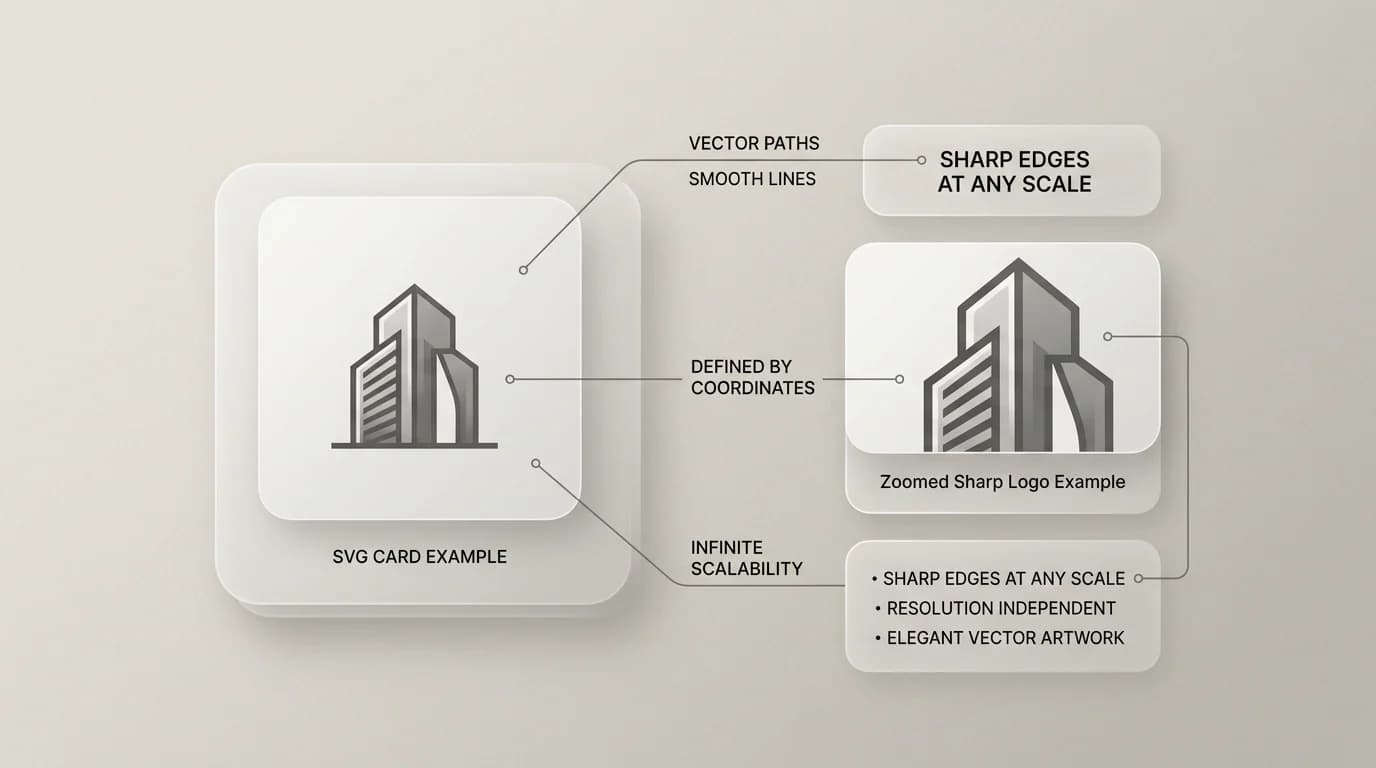
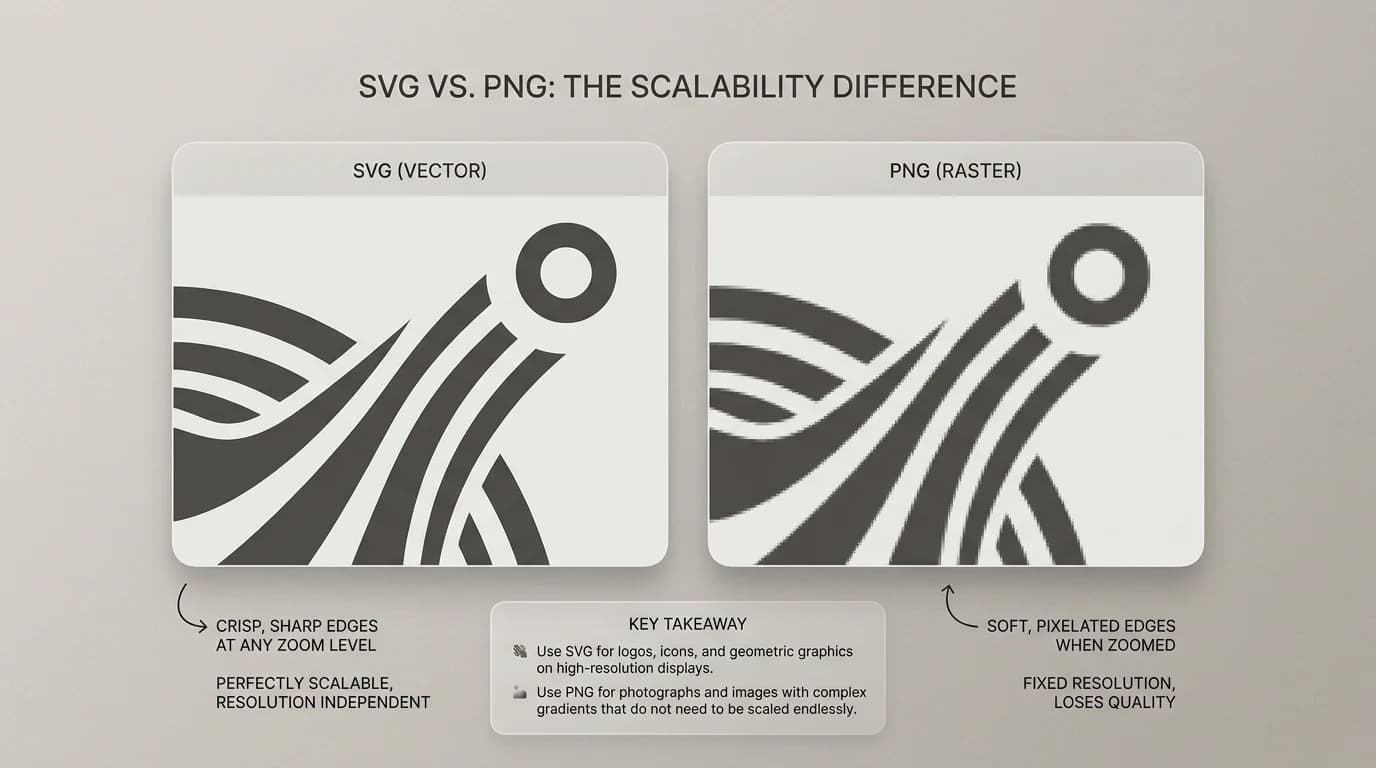
SVG stands for Scalable Vector Graphics. The file is usually .svg. Inside, it is mostly text: XML markup that describes lines, curves, fills, gradients, and groups. Because it is vector-based, the renderer draws it fresh at any size. That is why SVG logos stay clean when you scale them up for a conference banner.
Raster formats like PNG and JPG store pixels. More pixels means more detail, but also more bytes. Vector formats trade differently: a simple icon can be tiny, while an extremely complex illustration with filters and embedded bitmaps can balloon. So SVG is not automatically small. It is automatically scalable.
Where SVG shines
- Logos and wordmarks that must scale across web, print proofs, and slides.
- Icons and simple UI marks that you want crisp on retina screens.
- Illustrations exported from design tools when the result is clean paths, not embedded photos.
- Charts and diagrams when the tooling outputs sane SVG (not a million nested groups).
Where SVG gets awkward
SVG is not a universal replacement for photos. A smartphone photo contains detail that vectors are bad at representing unless you trace it into shapes (which is rarely worth it). For photos, you still live in JPG, WebP, or HEIC land. Also, not every legacy app loves SVG as an import. Some print workflows still ask for PDF or high resolution PNG exports.
Security matters too. SVG can include scripts and external references depending on how it was built. That is why some platforms sanitize SVG uploads aggressively. If an upload form rejects SVG, do not take it personally. The admin is worried about the same things you should worry about when you open random files from strangers.

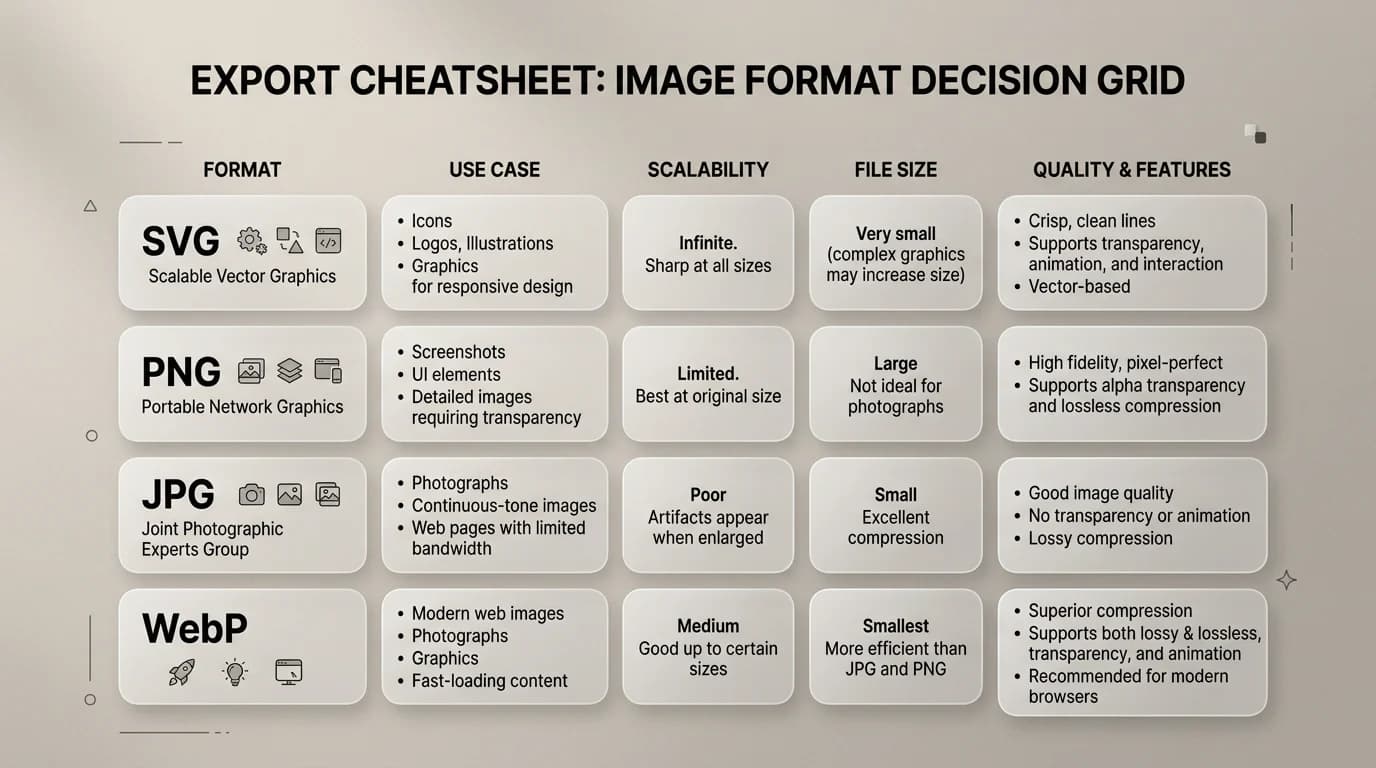
SVG compared with PNG and JPG
| Need | SVG | PNG / JPG |
|---|---|---|
| Infinite scaling of a logo | Great fit | PNG works until you need huge sizes; JPG adds artifacts |
| Photographs | Poor fit | JPG or WebP is the normal answer |
| Transparency | Yes | PNG and WebP can handle it; JPG cannot |
| Simple icons for many breakpoints | Often ideal | You may export many PNG sizes instead |
| Smallest possible photo attachment | No | Use HEIC or JPG depending on the receiver |
How SVG fits next to SwiftSave converters
When your pipeline needs a raster copy, you will still reach for PNG or JPG. That is where tools like PNG to JPG, PNG to WebP, or JPG to WebP matter. If you are packaging screenshots or scans into a single handoff file, Image to PDF stays useful even when your source assets include SVG exports from a design tool.
Practical export rules I use
- Export SVG for logos and icons when the target is the web or a modern toolchain.
- Export PNG when you need a safe preview thumbnail or a platform bans SVG uploads.
- Export JPG for photos. Keep SVG away from camera roll energy.
- Keep the design source file (Figma, Illustrator, Affinity) as the real master, not a random SVG you found online.
SVG FAQ
Can I convert SVG to PNG in SwiftSave?
SwiftSave focuses on raster images, documents, video, and audio in the browser. If your workflow needs SVG rasterized, use your design tool or a dedicated vector workflow, then convert the resulting PNG or JPG with SwiftSave when you need another raster format.
Is SVG "better" than PNG?
Not globally. SVG is better for scalable vector artwork. PNG is better for screenshots, photo snippets with transparency, and places that want a simple bitmap.