
What Is a JPG (JPEG) File? Everything You Need to Know in 2026
A practical guide to JPG files, lossy compression, photo sharing, transparency limits, and smart conversion choices.

Merlin writes SwiftSave's image format guides and has spent 8+ years working with web image workflows. He tests conversion flows with screenshots, logos, and phone photos, then documents practical tradeoffs: what stays sharp, what gets smaller, and what breaks in real app handoffs. Contact: [email protected].
Images in this post are generated with AI.
You probably deal with JPG files more often than you notice. Phone photos, product images, email attachments, old website banners, scanned receipts, marketplace uploads. JPG is everywhere because it solves a boring but important problem: it keeps photographs small enough to send, upload, and store without making people wait forever.
That does not mean JPG is always the right format. I have seen people save logos as JPG and wonder why the background turns white. I have also seen huge PNG photos slow down a page when a sensible JPG would have looked almost the same. The trick is knowing what JPG is good at and where it starts to fall apart.
What is a JPG file?
JPG, often written as JPEG, is a raster image format made for compressed photographs and realistic images. The file extension is usually .jpg or .jpeg. Both point to the same format. The shorter .jpg version became common because older Windows systems preferred three-letter file extensions.
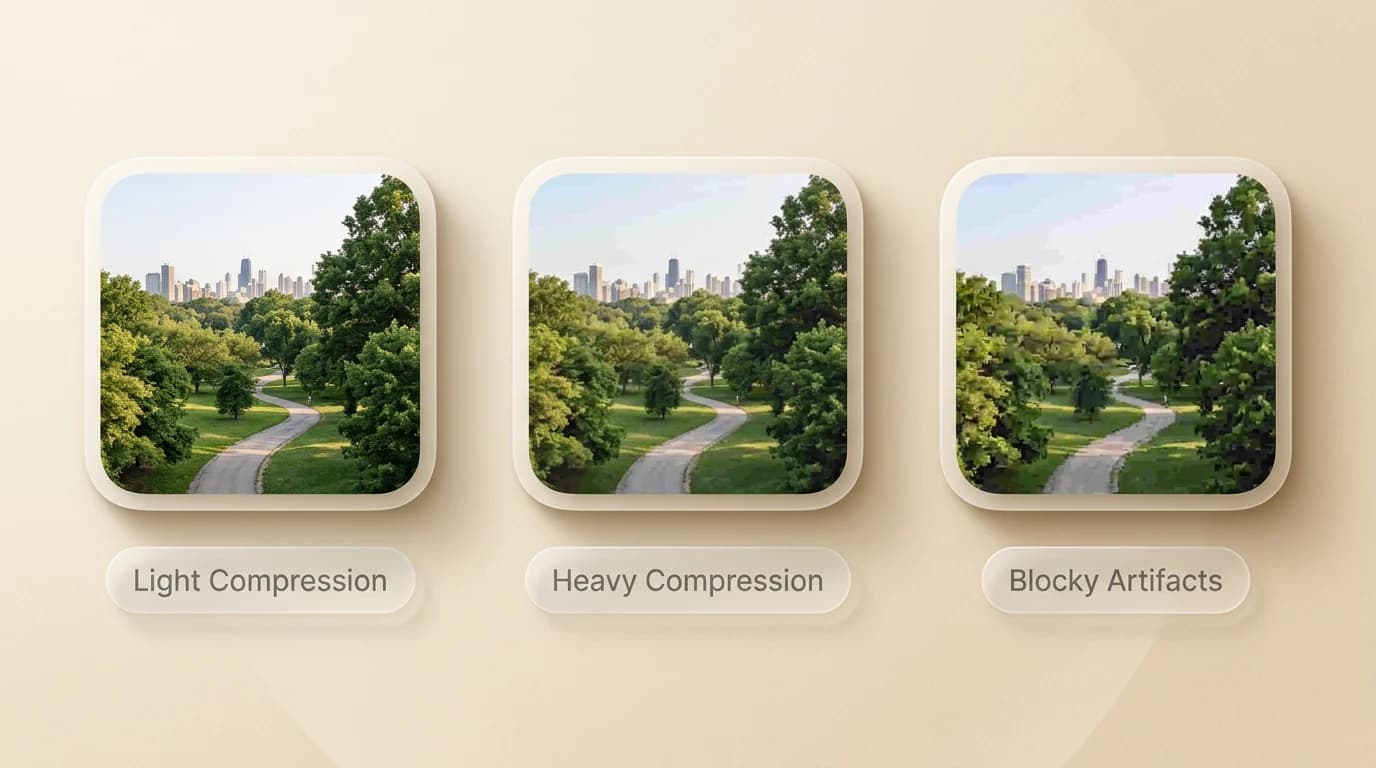
A JPG stores an image as pixels, just like PNG or WebP. The difference is how it reduces file size. JPG uses lossy compression, which means it throws away some visual information to make the file smaller. Done gently, that loss is hard to notice. Pushed too far, you get muddy colors, rough edges, and those little square compression artifacts that make a photo look tired.
Why JPG became so common
JPG became popular because it matched how people actually used images online. Most early web connections were slow. Digital cameras created files that were too large for casual sharing. Websites needed photos that loaded before a visitor gave up. JPG was not perfect, but it was practical.
That habit still matters in 2026. WebP often wins on bytes for the web, but JPG is still the format you can hand to almost anyone and expect it to open.
How JPG compression works
You do not need the math to use JPG well, but the basic idea helps. JPG is designed around the fact that human eyes notice some details more than others. We are usually sensitive to brightness and edges. We are less sensitive to tiny color changes in a busy photo. JPG compression takes advantage of that.
When you save a JPG, the encoder breaks the image into small blocks, simplifies some color and detail information, and stores the result in a more compact way. A quality setting controls how aggressive that simplification gets. Higher quality means a larger file. Lower quality means a smaller file and more visible damage.
JPG is best for photos
Photographs contain millions of small color changes. Skies, faces, shadows, fabric, food, landscapes, product shots with soft lighting. JPG handles that kind of image well because small losses blend into the natural texture of the photo.
JPG is bad for sharp graphics
Logos, screenshots, icons, diagrams, text-heavy graphics, and transparent images are a different story. JPG does not support transparency, and compression artifacts are much easier to see around hard edges. If a graphic has crisp text, PNG or SVG is usually a better choice.
JPG strengths and weaknesses
Good at
Weak at
That last point matters more than people think. If you open a JPG, edit it, save it, open it again, edit it again, and save it again, the image can degrade each time. Keep an original copy when the photo matters. Convert copies for sharing.
When you should use JPG
- Use JPG for regular photos from phones, cameras, and stock libraries.
- Use JPG when an upload form asks for a small image and does not need transparency.
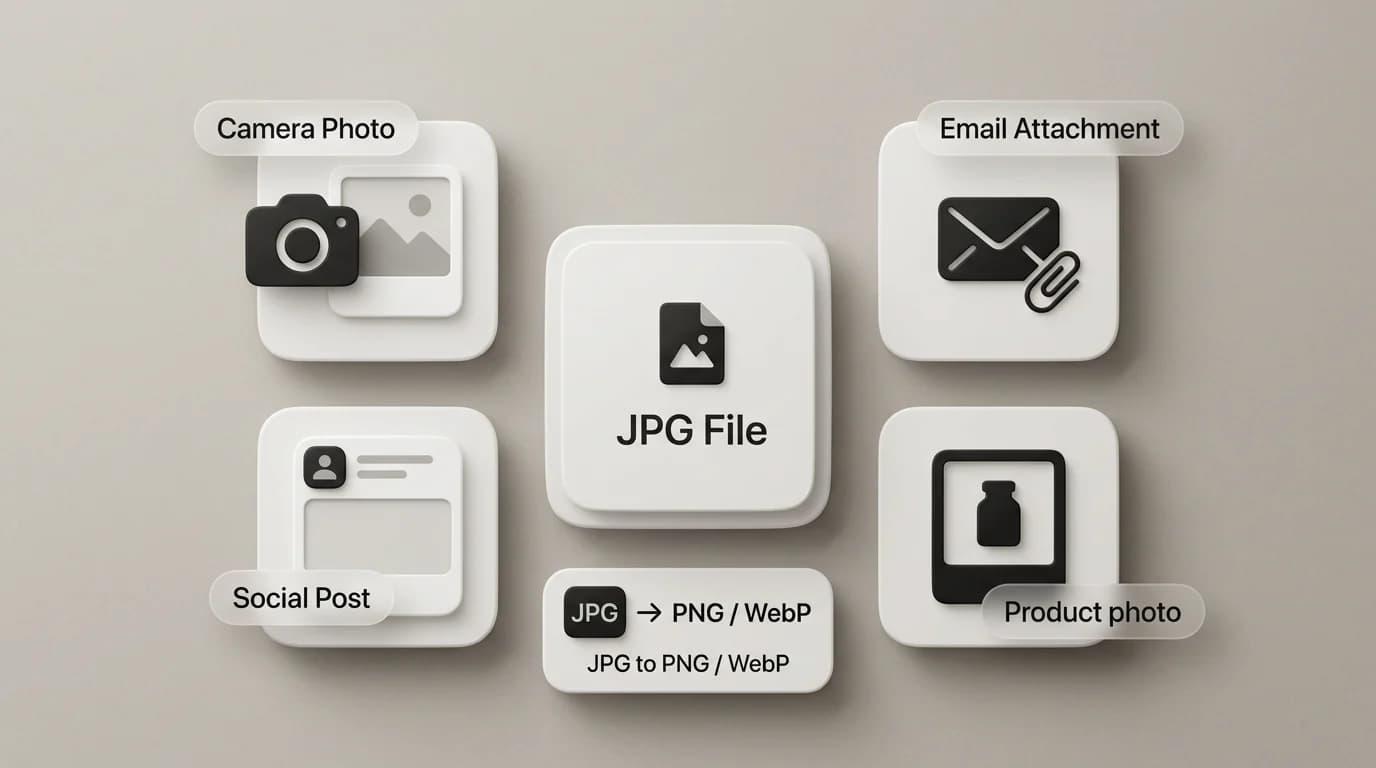
- Use JPG for email attachments where file size matters more than perfect editing quality.
- Use JPG for marketplace photos, profile images, and simple web photos when WebP is not accepted.
When JPG is the wrong choice
JPG is the wrong format when transparency matters. If you convert a transparent PNG logo to JPG, the transparent pixels become a solid background. Usually white. Sometimes black. Either way, it can look awful on a colored page. Use PNG to WebP or keep the PNG if you need transparency.
JPG is also a poor choice for screenshots with tiny text. If you have a receipt, dashboard, code snippet, invoice, or settings screen, try JPG to PNG when you need a cleaner editing copy, or keep the source screenshot as PNG from the start.
JPG compared with PNG and WebP
| Format | Best use | Why you might convert |
|---|---|---|
| JPG | Photos and broad compatibility | Convert to WebP for smaller web images or PNG for editing workflows |
| PNG | Screenshots, logos, transparent graphics | Convert to JPG when transparency is not needed and file size is too high |
| WebP | Modern websites and smaller images | Convert to JPG when an older app or form rejects WebP |
How to convert JPG files safely
- Start with the cleanest original you have, not a compressed screenshot of a compressed image.
- Choose the converter that matches the job, such as JPG to PNG, JPG to WebP, or image to PDF.
- Check whether the target format supports the features you need, especially transparency.
- Download the converted copy and keep the original JPG if it is your only source file.
SwiftSave runs supported conversions in your browser. That means you can use JPG to PNG, JPG to WebP, or Image to PDF without creating an account or waiting for a server queue.
JPG FAQ
Is JPG the same as JPEG?
Yes. JPG and JPEG mean the same image format. The file extension changed mostly because older systems preferred three-letter extensions.
Does JPG lose quality?
Yes, but the loss depends on the compression level. A high quality JPG can look excellent. A low quality JPG can look rough, especially around text and sharp lines.
Can JPG have a transparent background?
No. JPG does not support transparency. Use PNG, WebP, or SVG when you need transparent areas.