PNG vs WebP: Quality, File Size and Performance Compared
Compare PNG and WebP for websites, weigh compatibility, and see when browser-side conversion saves real load time.

Merlin writes SwiftSave's image format guides and has spent 8+ years working with web image workflows. He tests conversion flows with screenshots, logos, and phone photos, then documents practical tradeoffs: what stays sharp, what gets smaller, and what breaks in real app handoffs. Contact: [email protected].
Images in this post are generated with AI.
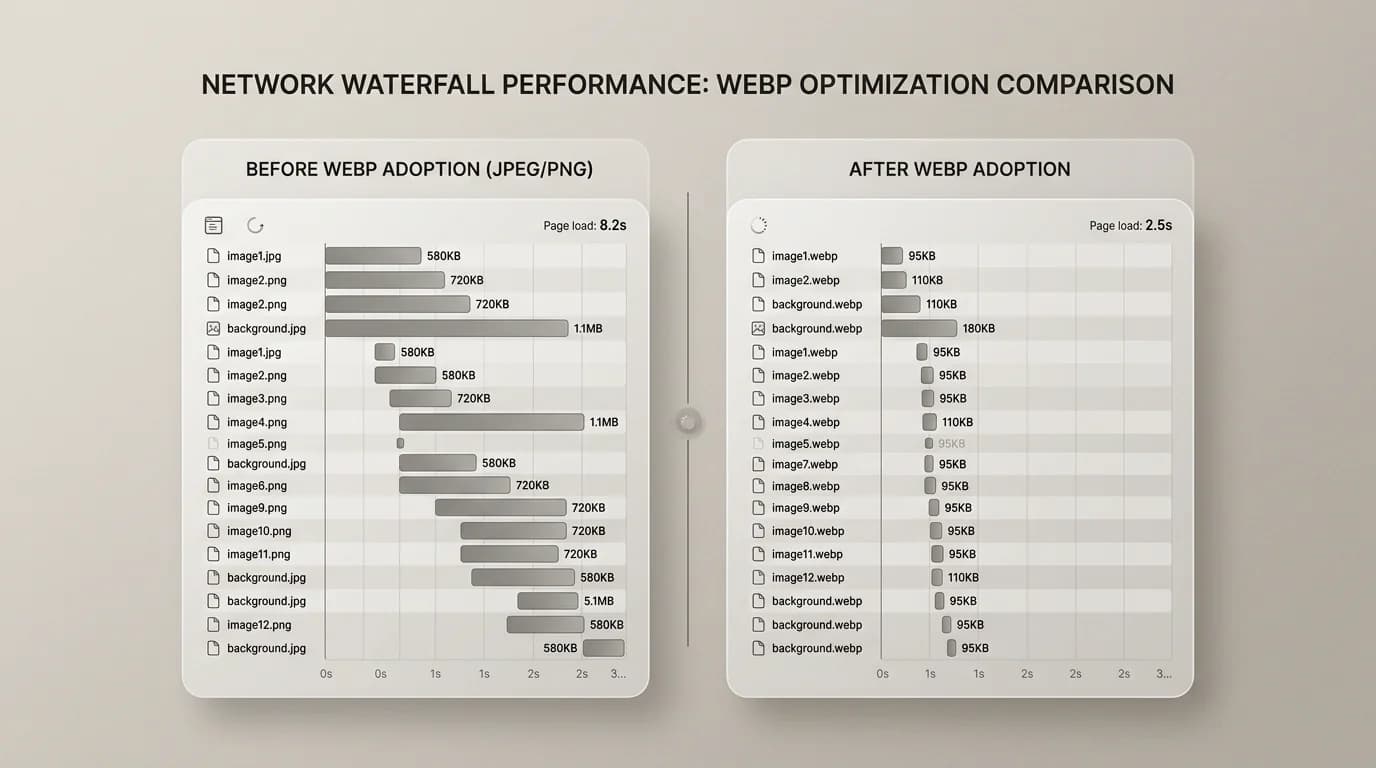
PNG is the boring default that still clears every door. WebP is often smaller for the same graphic on the web when your stack actually serves it. If you run a site in 2026 you have already heard "convert images to WebP" at least once. The honest question is what you give up when you swap PNG on the live page.
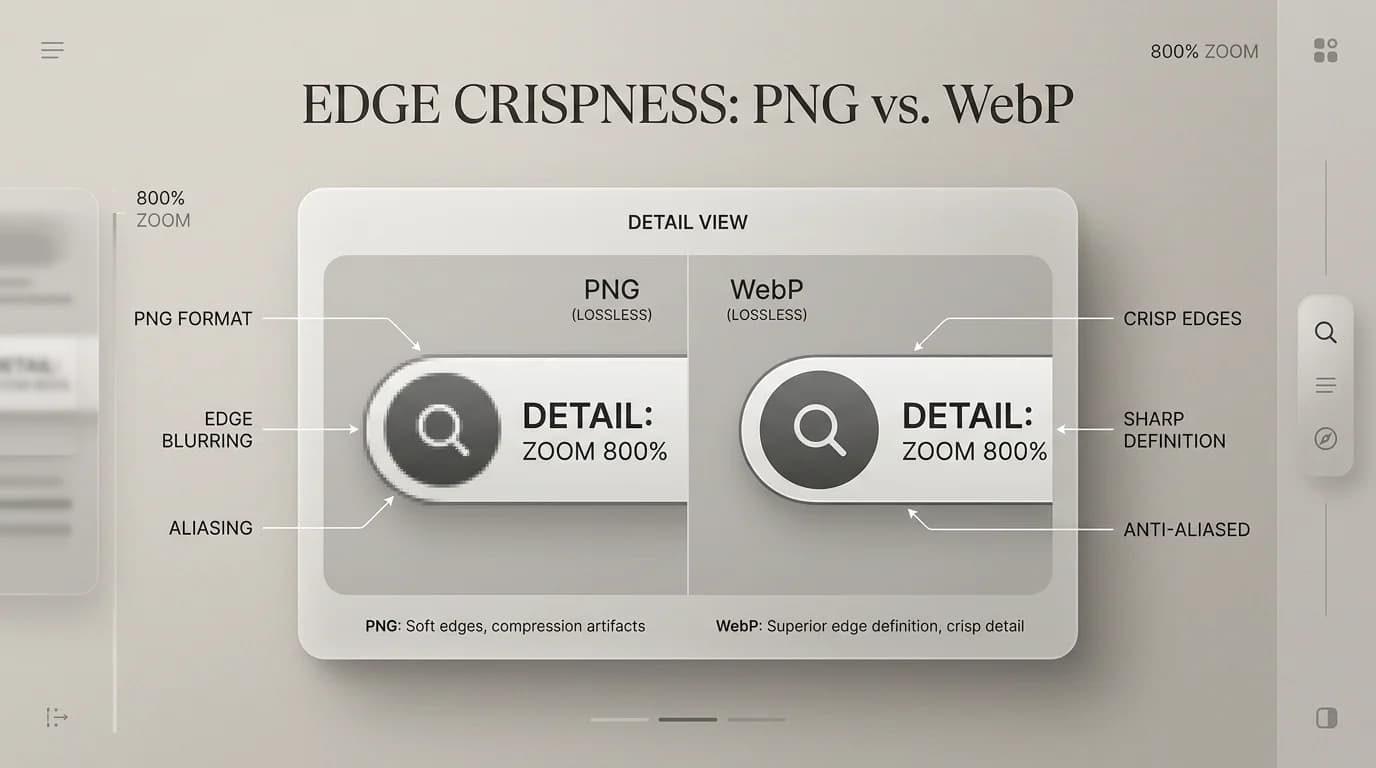
Both formats can represent transparency in many workflows. PNG is simpler socially: almost everything accepts it. WebP is often smaller for web graphics, but you will still hit an occasional uploader, email client, or desktop tool that acts confused. I use PNG as my source of truth for certain UI assets, then ship WebP copies when the site is mine to control.
What changes when you move PNG to WebP?
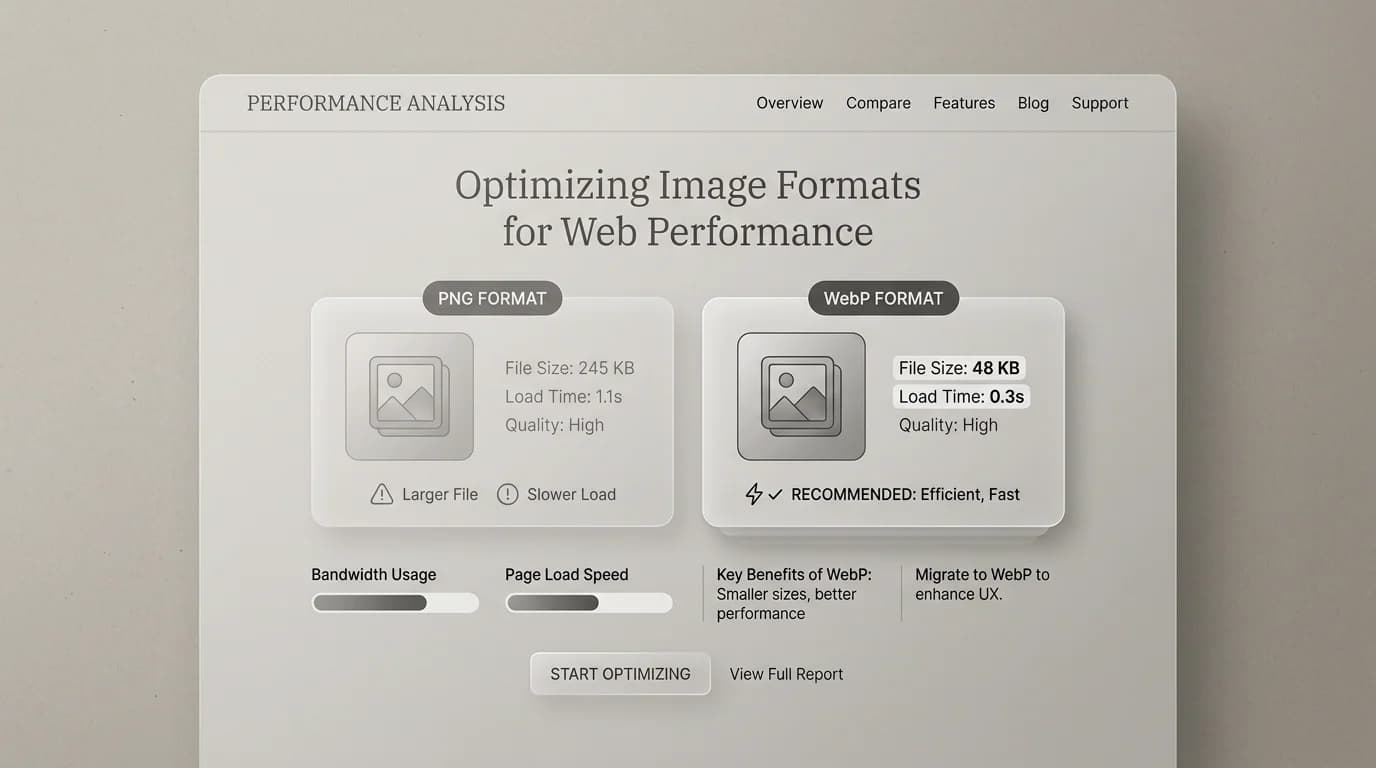
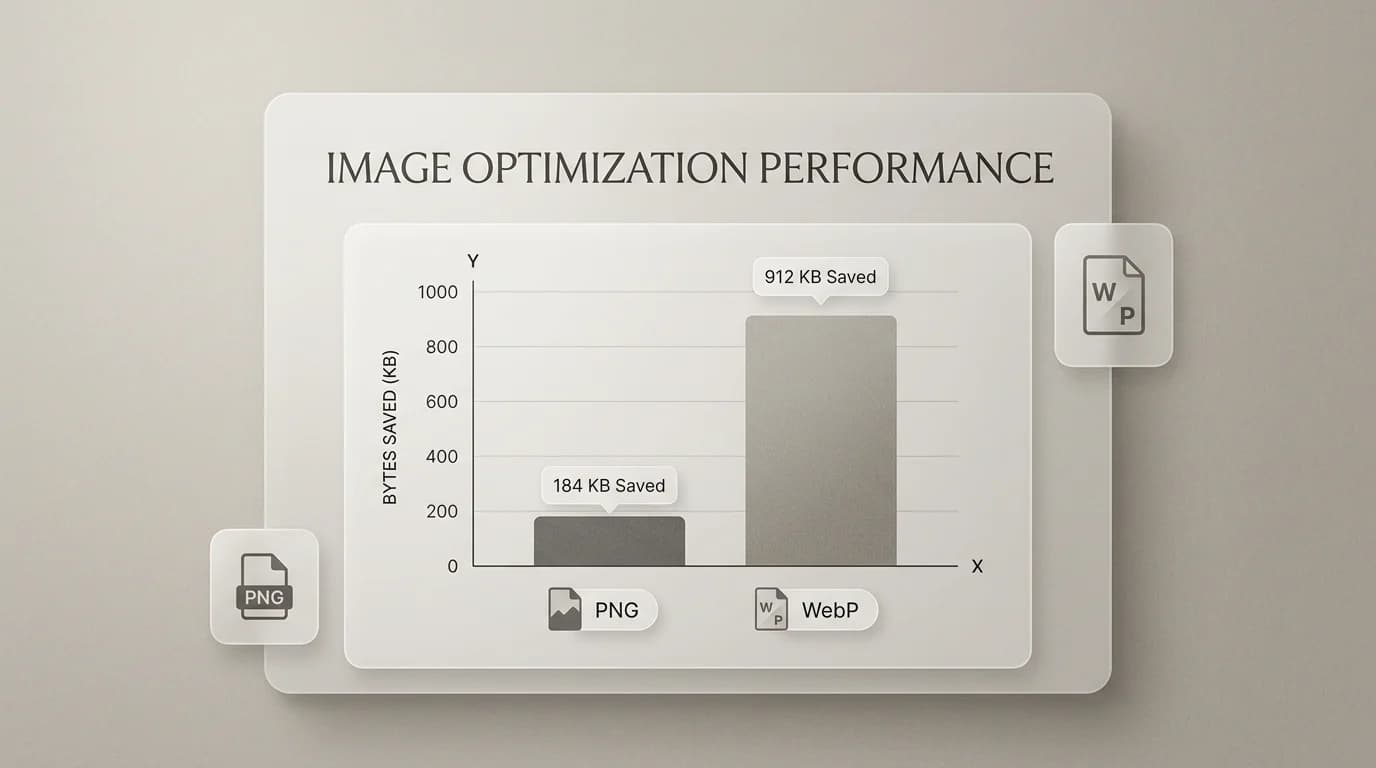
File size is the headline. A big PNG with alpha can weigh down a page. WebP frequently cuts that weight while keeping edges acceptable for icons, illustrations, and many graphics. The tradeoff is compatibility and habits. PNG is boring in a good way. WebP is modern in a good way until it is not allowed.
Comparison at a glance
| Topic | PNG | WebP |
|---|---|---|
| Typical web performance win | Baseline | Often smaller bytes |
| Broad compatibility | Excellent | Good in modern browsers, mixed elsewhere |
| Transparency | Yes | Often yes for web graphics |
| Master file for repeated edits | Strong choice | Depends on your toolchain |
| Email attachment to a stranger | Usually safe | Sometimes rejected |
A workflow that keeps everyone sane
- Keep PNG (or the original design export) as the archival bitmap when you still iterate.
- Generate WebP for the live site when your stack supports it.
- Keep a JPG or PNG fallback path when you must support older viewers.
- Measure with your own network panel, not vibes.
Converters that match real tasks
When you are ready to publish smaller copies, use PNG to WebP. When a tool throws a WebP back at you and you need PNG again, use WebP to PNG. If you are juggling photos too, JPG to WebP is often the right parallel path.
When I keep PNG anyway
WebP is the sensible choice for pages I fully control. It is not always the sensible choice for everything else. PNG is still my go-to in a few situations:
- Upload forms that whitelist JPG and PNG but reject WebP without explanation.
- Sending a graphic to a client or printer who might not have software that reads WebP cleanly.
- Editing masters where I want lossless stability across many iterations before the final publish copy.
- Screenshots where I want exact pixel-for-pixel fidelity and file size is not the main concern.
WebP as a live-site optimization and PNG as an archival source is not a contradiction. It is a reasonable split that keeps both formats doing what they are actually good at.
A practical note about tool support
Most modern browsers handle WebP without thinking about it. The friction shows up elsewhere: some design tools still default to PNG when you paste from the clipboard. Some stock asset sites export only JPG or PNG. Some email clients display WebP and some still attach it as an unknown file. If your image has to move through systems you did not build, PNG or JPG is the safer format.
The workflow that covers most situations without needing a decision every time: keep the clean PNG from your design tool, ship WebP on any site you own, send PNG when the destination is unpredictable.
PNG vs WebP: FAQ
Does WebP support transparency like PNG?
WebP lossy mode does not support alpha. WebP lossless mode does. When you convert a transparent PNG to WebP for web publishing, most converters default to lossless WebP for files with alpha, which is what you want. The transparency survives. The file is typically smaller. The main catch is that not every old tool knows what to do with a lossless WebP, so test the target environment before you fully replace PNG in your pipeline.
Is WebP good for print?
Print workflows almost universally expect TIFF, PDF, or high-resolution JPG or PNG. WebP is a web format. If you are preparing files for a printer, export TIFF or PNG from your design tool and leave WebP optimization for the web publishing step.