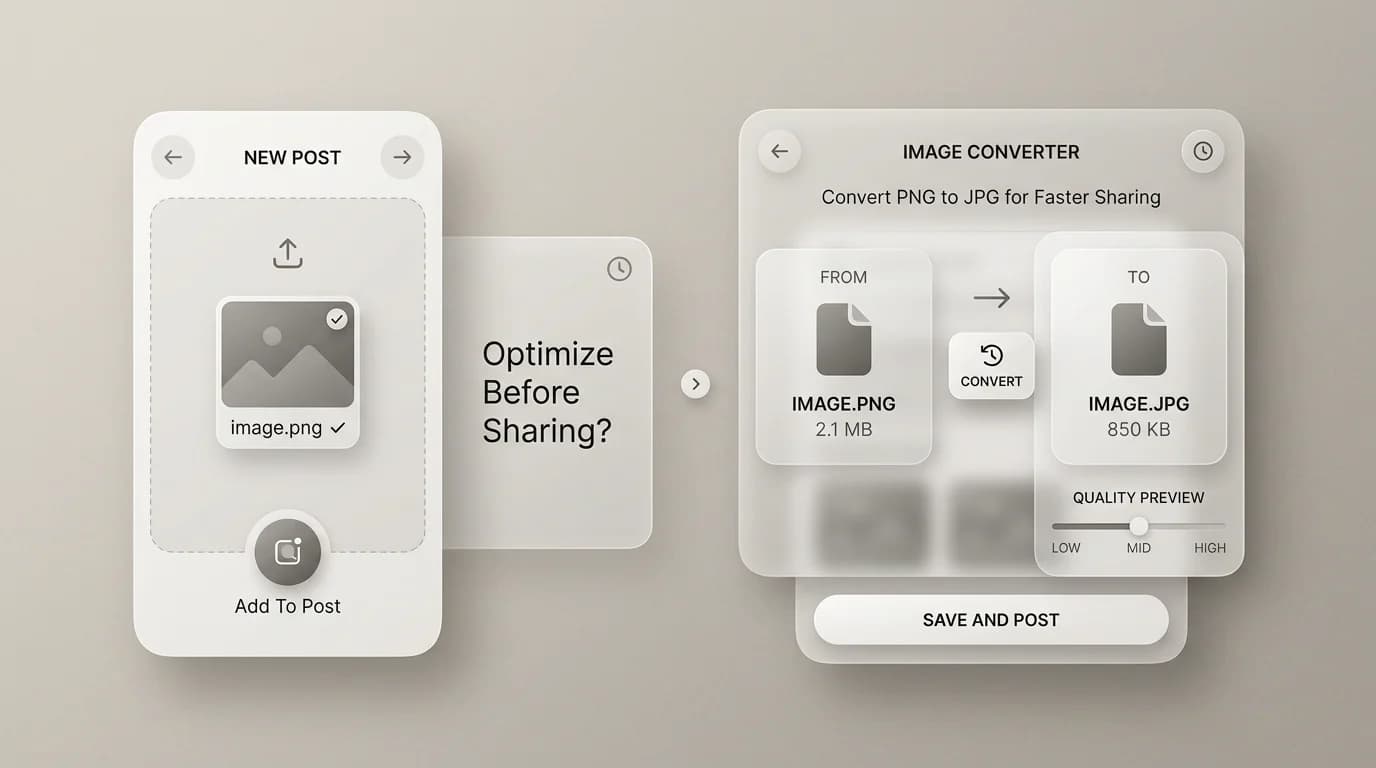
PNG vs JPG: Which Format Should You Use in 2026?
A straight comparison for photos, screenshots, transparency, file size, and when to convert PNG to JPG in your browser.

Merlin writes SwiftSave's image format guides and has spent 8+ years working with web image workflows. He tests conversion flows with screenshots, logos, and phone photos, then documents practical tradeoffs: what stays sharp, what gets smaller, and what breaks in real app handoffs. Contact: [email protected].
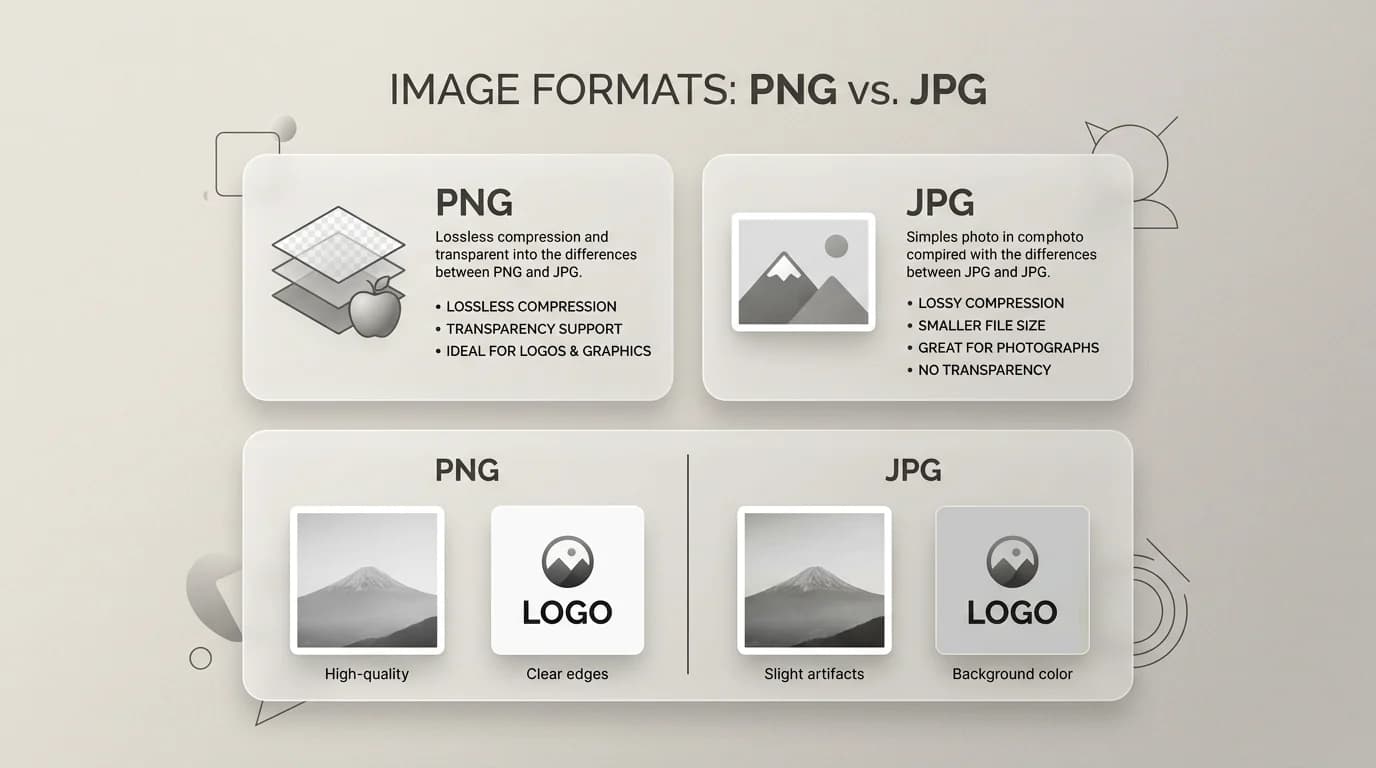
Images in this post are generated with AI.
PNG versus JPG is not a cage match where one format "wins forever." It is more like choosing between a ruler and a tape measure. One is precise for certain jobs. The other is flexible for everyday distance. You probably already feel this instinctively: screenshots look wrong as JPG sometimes, and vacation photos look silly as giant PNGs.
In 2026, JPG is still the default photo language for compatibility. PNG is still the default when transparency matters or when you need clean text. WebP is often better for web delivery, but JPG and PNG remain the safe interchange formats when you do not control the receiver. Here is how I pick without overthinking it.
The one-line difference
JPG is usually lossy: it throws away some detail to shrink file size. PNG is lossless for typical editing workflows: it keeps pixels stable, which is why screenshots stay readable. JPG does not do real transparency. PNG does.
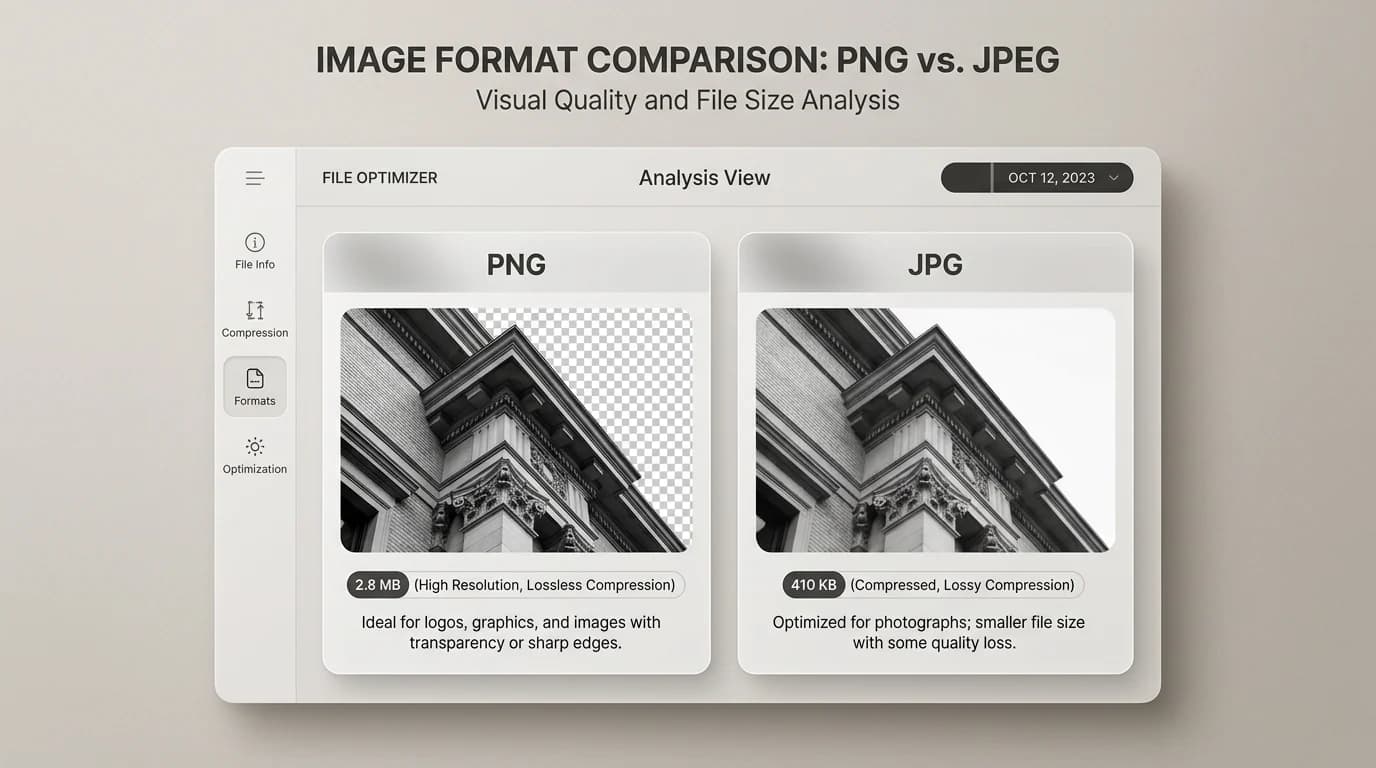
Quick decision table
| Situation | PNG | JPG |
|---|---|---|
| Transparent logo on a website header | Usually yes | No real transparency |
| Phone photo for social or email | Often too heavy | Usually the better default |
| Screenshot with small UI text | Usually yes | Risky: artifacts show up around edges |
| Marketplace asks for product photos | Sometimes | Often preferred for file size |
| Repeated editing and saving | Safer master | Quality can stack damage over time |
When PNG is the better pick
- You need alpha transparency or soft edges around a cutout.
- You are sending a screenshot where readability matters more than shaving kilobytes.
- You want a stable master file while you iterate on a graphic.
When JPG is the better pick
- You have a normal photograph and you want a smaller attachment.
- You are exporting for a platform that optimizes images anyway.
- You do not need transparency and you want broad compatibility.
Where WebP sneaks into the conversation
If your goal is a faster website, compare PNG and WebP too. WebP can shrink many web assets while supporting transparency in a lot of cases. Try PNG to WebP for publishing copies, and keep PNG as your editing source when you still need lossless bitmap safety.",
How to convert between PNG and JPG without regrets
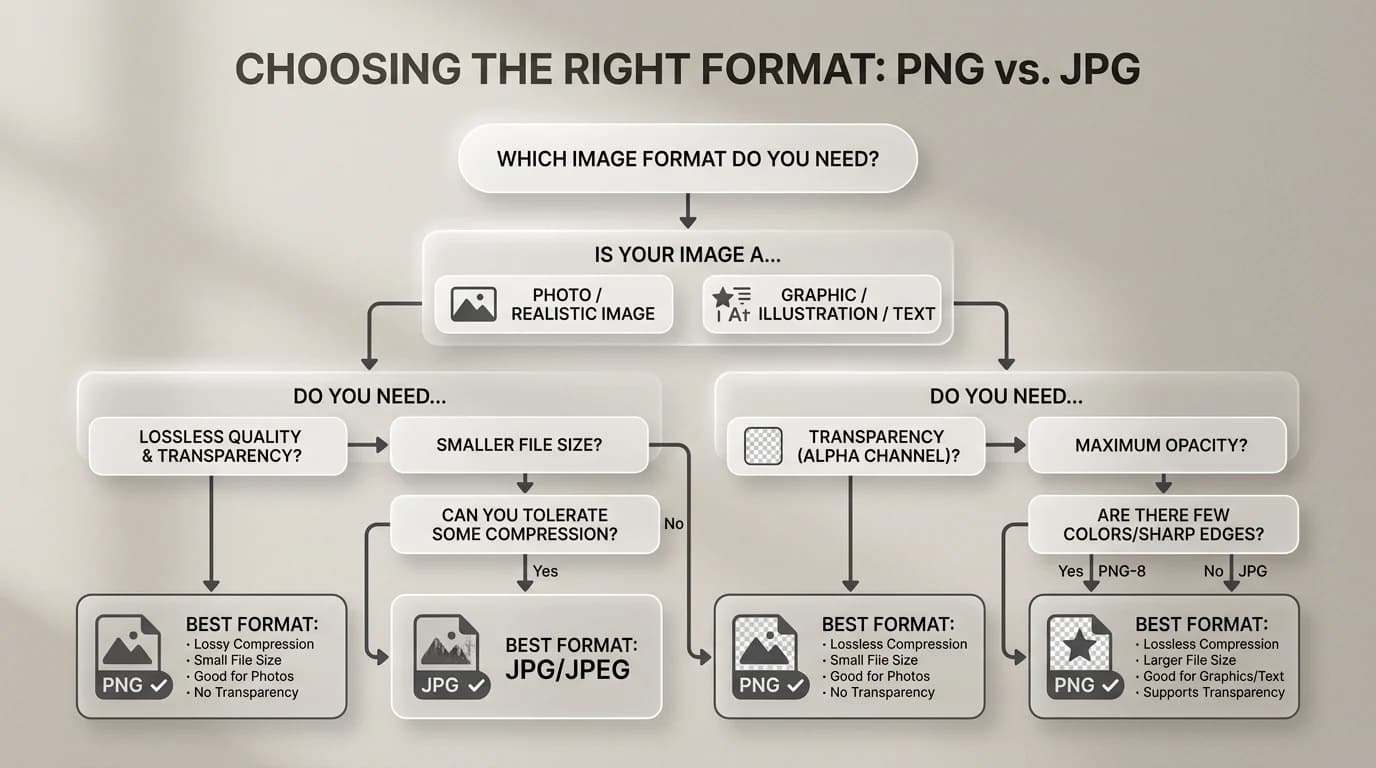
- Decide if transparency must survive. If yes, do not pick JPG as the target.
- Keep the PNG master if you might edit again. Convert a copy for sharing.
- If you must flatten to JPG, pick a background color on purpose, not by accident.
- After conversion, zoom in on the corners of text. If it looks tired, raise quality or keep PNG.
SwiftSave runs PNG to JPG and JPG to PNG in the browser for supported files. No signup, which is how I prefer handling random work screenshots.",
Why re-saving JPG gradually degrades it
Every time you open a JPG and save it again as JPG, the encoder runs another lossy pass. The first save from a clean source usually looks fine. The fifth save of that same file starts showing blocky artifacts in gradients and soft edges around text. I have seen screenshots go through enough email round-trips that the text became noticeably fuzzy.
The fix is keeping a clean master. If you shoot in JPG, treat the camera original as the master and export copies for each use. If you have a PNG, keep it as the reference and export JPG when a flat smaller file is what the job needs. The pattern is always: touch the master as rarely as possible, copy for output.
PNG vs JPG FAQ
Is PNG always higher quality than JPG?
Not exactly. PNG stores pixel data losslessly, which means screenshots and graphics stay stable. But a JPG photo at high quality often looks visually identical to a PNG version while being significantly smaller. The lossless part matters most for graphics with hard edges, text, and flat color — not for smooth photos where the eye misses what the encoder trims.
Why is my PNG so much larger than the JPG?
PNG lossless compression handles repeated patterns and flat color efficiently, but photographs have variation in almost every pixel. That variation does not compress as aggressively. A photo saved as PNG can be three to ten times the size of the same photo as a high-quality JPG. This is why photographs travel as JPG and logos travel as PNG.