
PNG vs GIF: Transparency, Animation, and Real Use Cases
Compare static PNG graphics with GIF loops, palette limits, transparency quirks, and when MP4 beats GIF for clips.

Merlin writes SwiftSave's image format guides and has spent 8+ years working with web image workflows. He tests conversion flows with screenshots, logos, and phone photos, then documents practical tradeoffs: what stays sharp, what gets smaller, and what breaks in real app handoffs. Contact: [email protected].
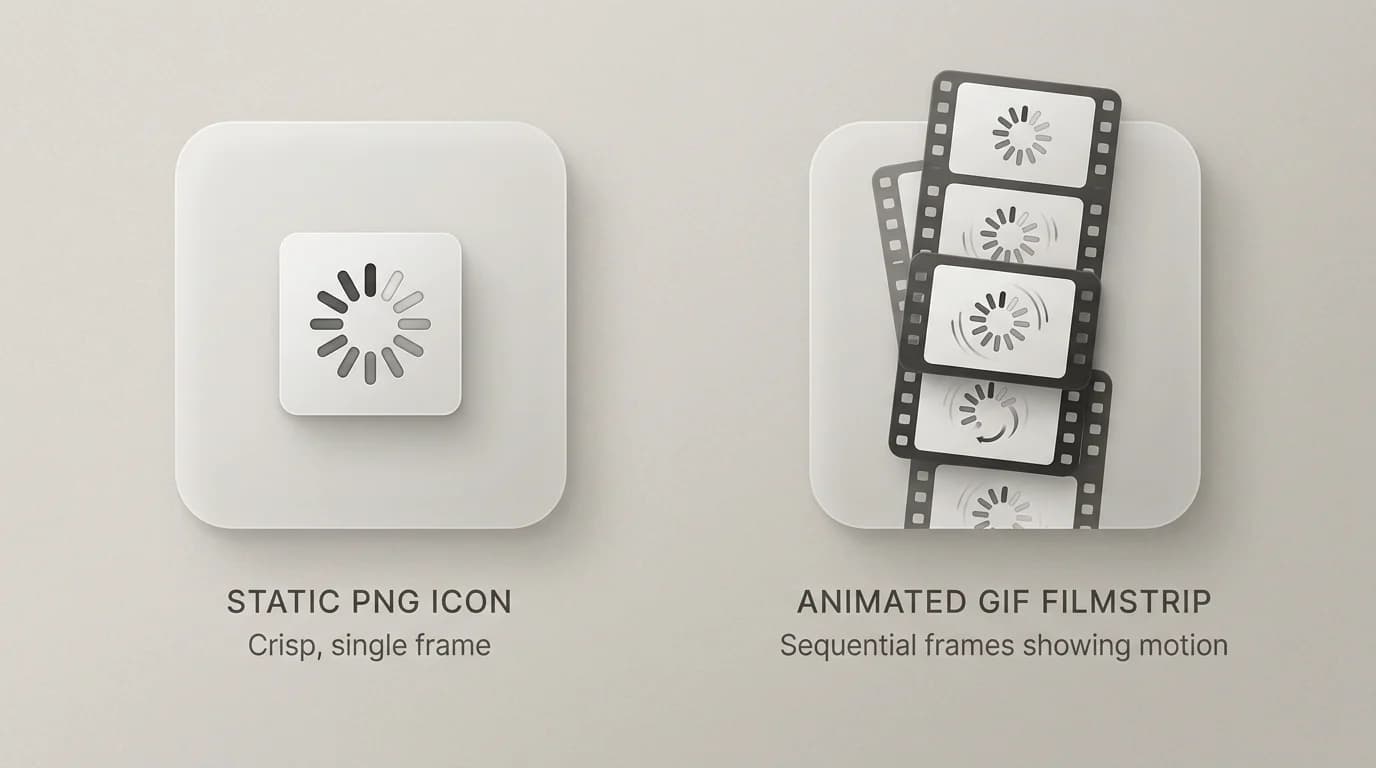
Images in this post are generated with AI.
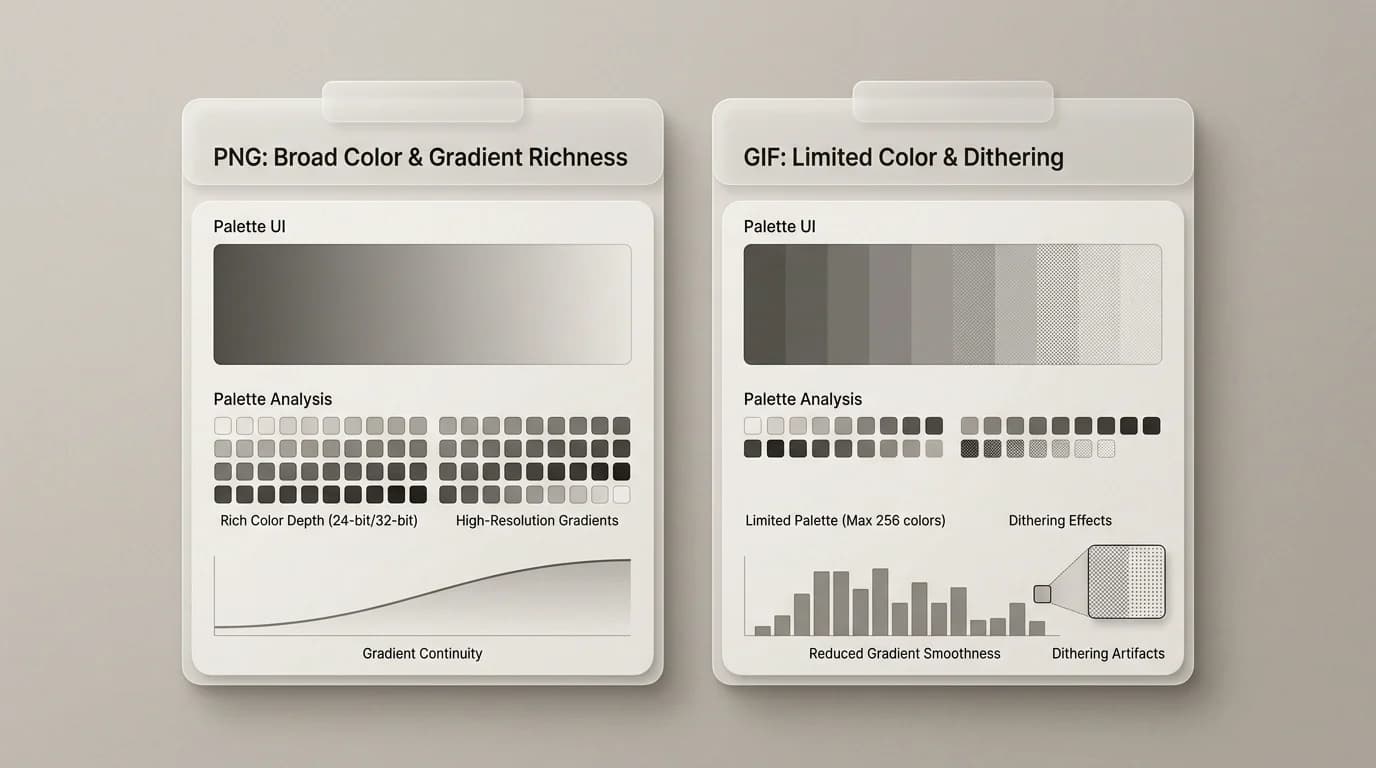
PNG and GIF get compared for the wrong reasons because both can show up in "save for web" dialogs from older habits. They are not interchangeable. PNG is mostly a static image format with great transparency and clean color for graphics. GIF is famous for short animations and limited palettes, which is why your smooth gradient sometimes turns into banded stripes when you force it through GIF land.
If you need animation today, GIF is still recognized everywhere, but WebP and video formats often produce better results for longer clips. SwiftSave includes video tools like MP4 conversions and GIF exports from short clips when you need a lightweight loop for chat or docs.
PNG: static, flexible transparency, better for many graphics
PNG is my default for crisp static UI assets, screenshots, and logos with alpha. It is not meant to carry a thirty second explainer video. Treat it like a photograph of a single moment, not a film.
GIF: animation first, transparency with caveats
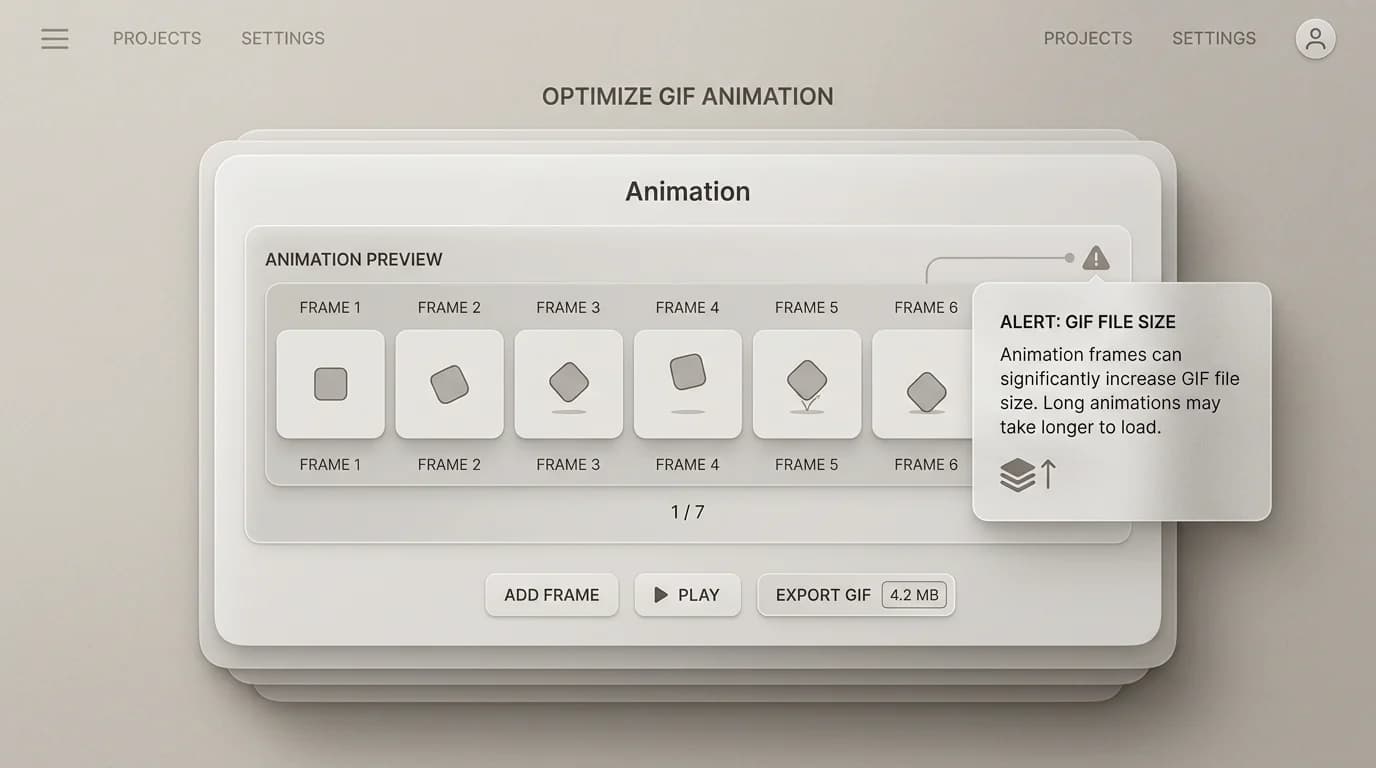
GIF animation is a sequence of frames. That is powerful for memes, tiny UI demos, and quick loops. It is also easy to make a GIF enormous by accident because people export too many frames at full resolution. If the clip is long or detailed, MP4 is usually a better distribution format than a giant GIF.
Transparency: soft edges versus matte headaches
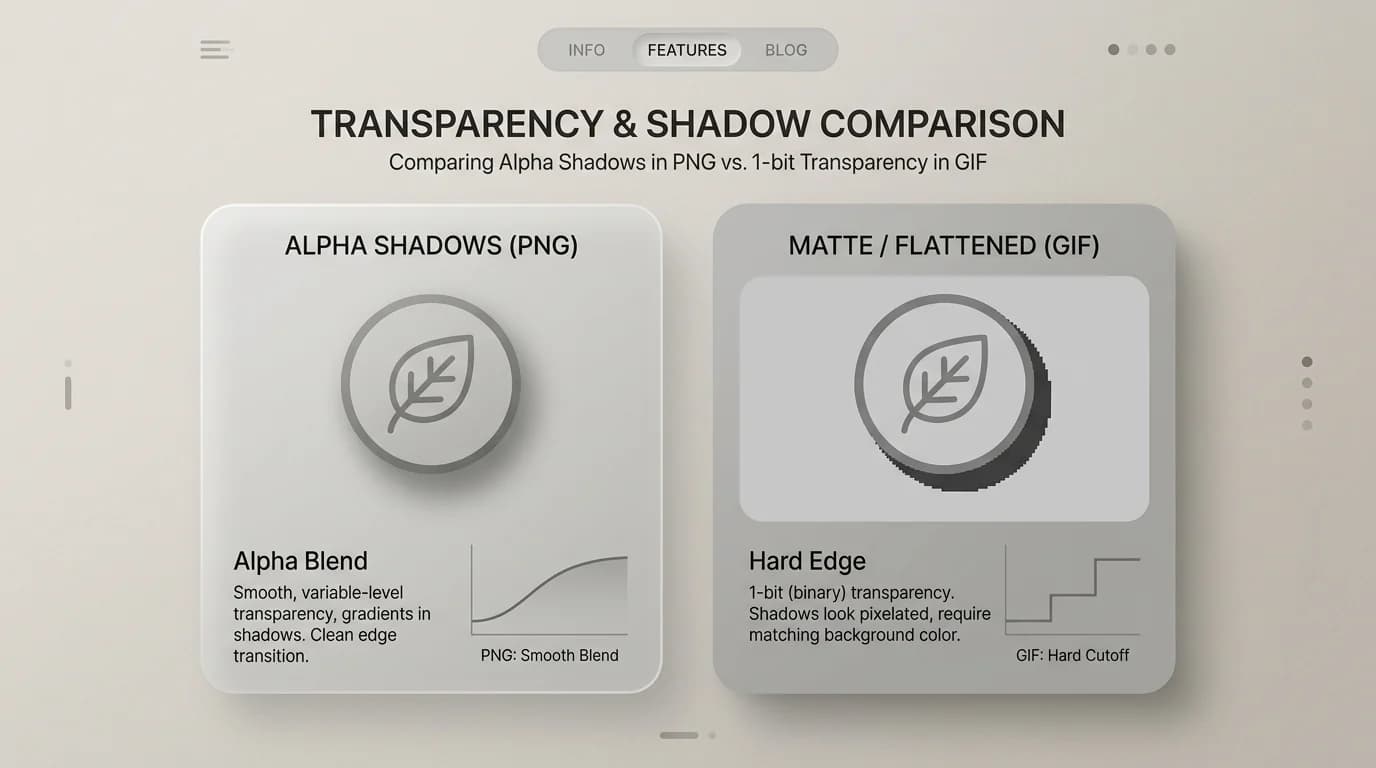
PNG supports alpha blending, which is why shadows on transparent logos can look natural. GIF transparency is more primitive: you often get a single transparent color and harsh edges around anti-aliased shapes unless you plan carefully. If your GIF looks like it has a halo, you are meeting the palette and matte rules in person.
Quick comparison table
| Need | PNG | GIF |
|---|---|---|
| Static logo with soft transparency | Strong | Often awkward |
| Short looping animation | Not standard PNG | Common |
| Full color photo realism | Heavy but possible | Usually poor |
| Smallest static icon asset | Depends | Sometimes tiny for simple shapes |
| Long screen recording | No | Usually worse than video |
When you need to move between raster formats, SwiftSave covers the boring swaps like PNG to JPG and PNG to WebP. If you have a short MP4 and want a GIF-style loop for a doc, try MP4 to GIF and keep expectations reasonable about length and file size.",
When WebP is the better third option
A lot of PNG versus GIF decisions quietly become PNG versus WebP once you remember that the output is for a browser. If the asset is static and the platform supports it, WebP often gives you PNG-like transparency with a smaller file. If the asset is animated, WebP can sometimes replace GIF there too. I still treat it as a check, not a reflex, because some social tools and legacy workflows are behind the times.
Keeping GIF usable when you really need GIF
- Trim the clip before exporting. The most expensive frame is the one you did not need.
- Keep dimensions small. GIF punishes large canvases fast.
- Reduce the color count only as much as the image can tolerate.
- Use video for longer loops unless the destination specifically wants GIF.
That last point matters because a short loop and a screen recording are not the same thing. GIF works for the first one. It is a bad habit for the second. If the clip starts feeling like a file-size prank, stop and switch formats.
PNG vs GIF: one quick FAQ
Can PNG do animation?
Standard PNG cannot. There is a format called APNG (Animated PNG) that supports animation with full alpha, but it is not universally supported across all tools and platforms. If you need a safe animated loop and cannot use video, GIF is still the lowest-friction option. If you need animated transparency and your audience is on modern browsers, a short WebP animation often works better than either.
Why does my GIF look washed out or banded?
GIF is limited to 256 colors per frame. Smooth gradients, skin tones, and photographic detail all get posterized into visible bands when forced through that palette. If your source has smooth color, the result will band. Use video formats for anything with photographic content. GIF works for flat icon loops, simple UI demos, and memes where the limited palette is not the point.